
“We’re currently using QuickBooks, but as our company grows, should we be moving to an ERP system?”
This is a question we often hear from U.S. companies.
QuickBooks and Microsoft Dynamics 365 Business Central (referred to below as “Business Central”) can both support accounting and related business operations, but they’re built for different company sizes and cover different scopes of operation.
QuickBooks is accounting software that’s relatively simple to set up, while Business Central is an ERP (Enterprise Resource Planning) system that manages not just accounting, but sales, purchasing, inventory, manufacturing, and more, all within a single system.
This article compares Business Central and QuickBooks Online on features, cost, and ease of implementation, and looks at when it makes sense to consider moving to an ERP.
The Basic Difference Between Business Central and QuickBooks
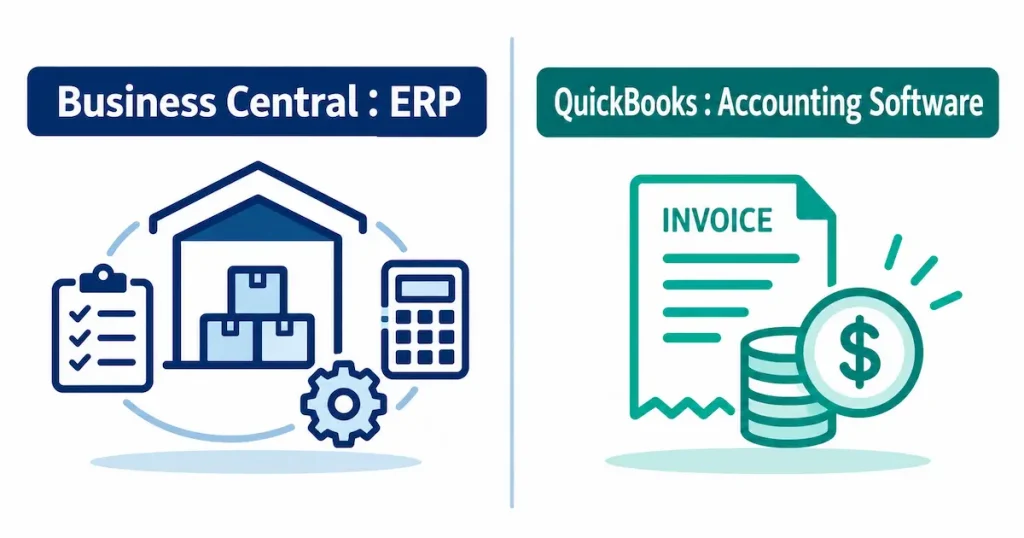
The basic difference between Business Central and QuickBooks is that QuickBooks is “a system centered on accounting,” while Business Central is “an ERP that manages your entire business.”
What Is Business Central?
Microsoft Dynamics 365 Business Central is an ERP built for small and mid-sized businesses.
Beyond financial accounting, it manages core business processes — sales, purchasing, inventory, projects, and service — all within a single system. The Premium license also includes manufacturing and service management functionality.
Because it’s a Microsoft product, it also integrates with Excel, Outlook, Teams, Power BI, Power Automate, Power Apps, and other Microsoft 365 and Power Platform tools. Using Power Platform, you can build workflows and custom applications on top of your Business Central data.
What Is QuickBooks?
QuickBooks Online is cloud-based accounting software from Intuit, a US financial and accounting software company.
It covers the everyday accounting needs of small businesses: invoicing, payments, expenses, bank account integration, and financial reporting.
The Plus and Advanced plans also add inventory quantity and cost tracking, purchase order status, and low-stock notifications.
QuickBooks may be sufficient when you’re first starting out or running a relatively small organization, but as your transaction volume, inventory, locations, or headcount grow, you may eventually need an ERP.
Comparing Features: Accounting, Inventory, and Customization
Accounting
For everyday accounting tasks, QuickBooks is relatively easy to use.
Business Central, on the other hand, connects your accounting data directly with your sales, purchasing, and inventory data.
For example, in Business Central, a sales shipment, a purchase receipt, or an inventory transfer can flow all the way through to the accounting journal entry as one continuous process. That means you don’t need to manage your accounting system separately from your sales and inventory systems.
Inventory and Supply Chain Management
QuickBooks Online’s Plus or Advanced plans do offer basic inventory management.
But if you need to manage multiple warehouses, more complex purchasing and sales processes, manufacturing, warehouse operations, or lot-level tracking, an ERP like Business Central is the better fit.
This is especially valuable for wholesale and manufacturing businesses, where you can manage everything from sales orders and purchasing to receiving, inventory management, shipping, invoicing, and accounting on the same database.
Customization and Automation
Business Central connects with Microsoft’s Power Platform.
For example, you can build approval workflows in Power Automate, create custom data-entry screens in Power Apps, or visualize your Business Central data in Power BI.
You can also build additional custom functionality using AL, Business Central’s own development language.
Rather than forcing your operations to fit the system, Business Central’s strength as an ERP is that it can be extended to match your company’s specific processes.
Comparing Cost: License Structure and TCO
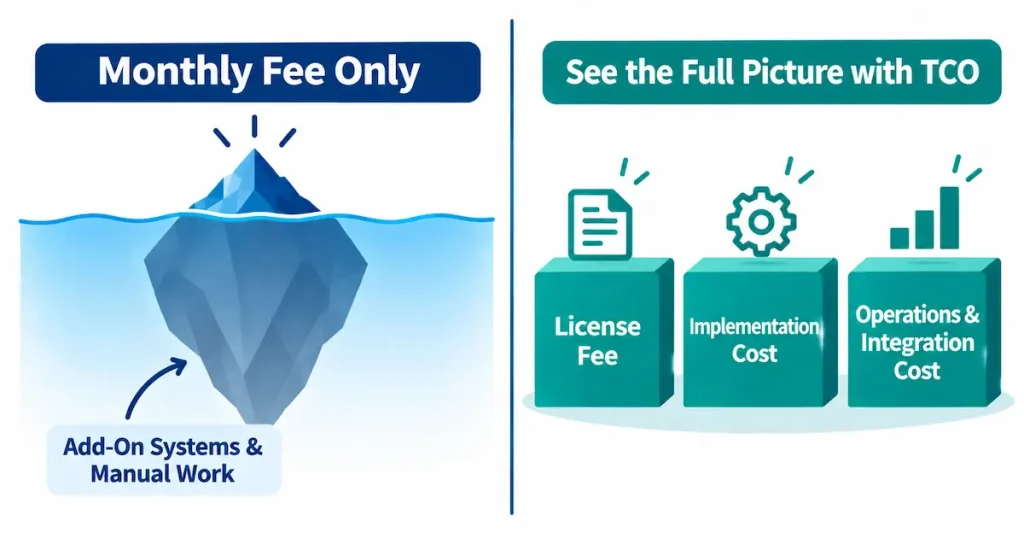
If you’re only comparing monthly fees, QuickBooks is the lower-cost option.
As of August 2026, standard US pricing for QuickBooks Online is $38/month for Simple Start, $85 for Essentials, $140 for Plus, and $340 for Advanced, with each plan offering a different number of users and set of features.
Business Central runs $80/user/month for Essentials, $110/user/month for Premium (which includes manufacturing and service management), and $8/user/month for Team Members (limited functionality).
That said, when comparing ERP systems, it’s important to look beyond the license fee alone and consider TCO (Total Cost of Ownership) — the full cost of implementation, ongoing operations and maintenance, additional development, training, and manual work over time.
If you’re currently running separate systems (or Excel) alongside QuickBooks for inventory, order management, approvals, or reporting, you’ll want to factor in those license fees and the cost of integration and manual work as well.
*Pricing reflects information as of August 19, 2026. Please check each vendor’s official site for the latest pricing and plan details.
QuickBooks official site: https://quickbooks.intuit.com/
Microsoft Dynamics 365 Business Central official site: https://www.microsoft.com/en-us/dynamics-365/products/business-central
Ease of Implementation and Integration with Existing Systems
QuickBooks is easy to implement. If you’re a relatively small company and accounting management is your main goal, you can get up and running quickly.
Business Central, as an ERP, requires organizing your chart of accounts, vendors, products, inventory, workflows, and permissions before implementation, along with data migration and any needed custom development. As a result, it takes longer to implement than QuickBooks.
That said, once you’ve implemented Business Central as the foundation of your operations, you may be able to reduce duplicate data entry across multiple systems and reliance on Excel to fill the gaps.
This is especially valuable for companies already using Microsoft 365, since Business Central, Power Platform, and Power BI all work within the same Microsoft ecosystem.
Which Should You Choose: Business Central or QuickBooks?
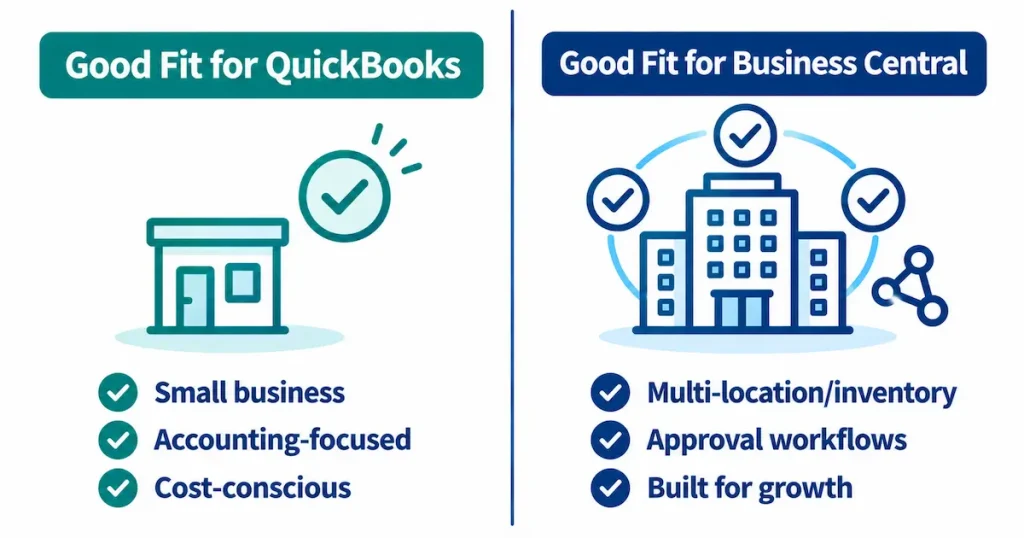
Companies Well-Suited to QuickBooks
QuickBooks tends to be a good fit for companies like:
- Small businesses
- Companies primarily focused on accounting, invoicing, and expense management
- Companies that don’t need complex inventory management
- Companies that want to get up and running quickly, at a lower cost
While your operations remain simple, you don’t necessarily need to implement an ERP.
Companies Well-Suited to Business Central
On the other hand, it’s worth considering Business Central if:
- You’re running separate inventory or sales management systems alongside QuickBooks
- You’re increasingly relying on Excel to manage business processes
- You’re entering the same information into multiple systems
- You want centralized visibility across multiple locations or departments
- Inventory management is critical to your business, as in wholesale or manufacturing
- You need warehouse operations or lot-level product tracking
- You want to systematize your approval workflows
- You want to visualize business performance using tools like Power BI
- You’re building out your systems foundation to support future growth
In particular, if you find yourself thinking, “QuickBooks handles our accounting fine, but we’re increasingly filling in the gaps with Excel or other systems for everything else,” that’s a good signal it may be time to consider moving to an ERP.
JBS USA’s Business Central Implementation Support
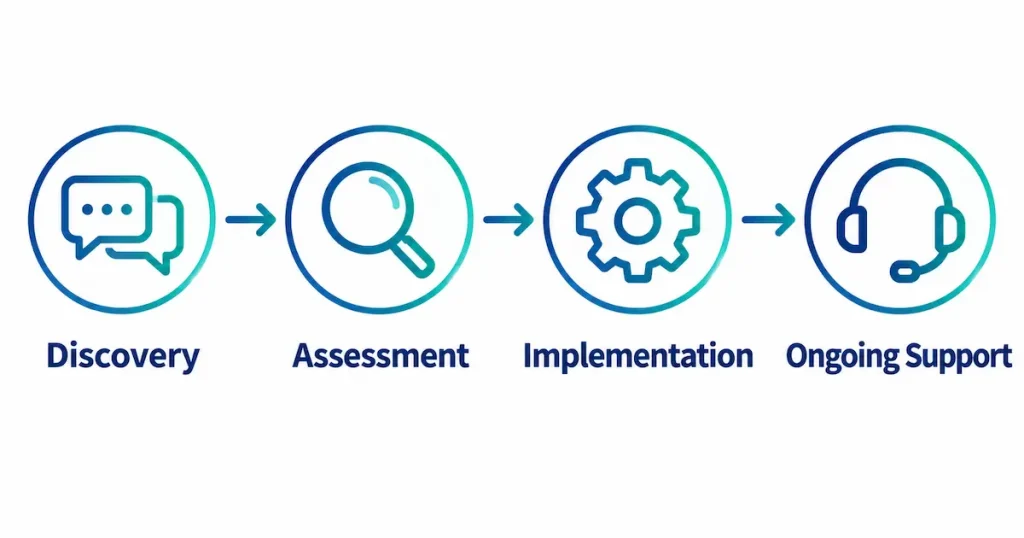
Whether Business Central or QuickBooks is the better fit isn’t something you can determine simply by looking at revenue or headcount.
It requires a holistic assessment of transaction volume, the complexity of your inventory management, your number of locations, your existing systems, your current use of Microsoft 365, and your future business plans.
JBS USA supports businesses across the US with Business Central — from implementation and migration to custom development, Power BI integration, and ongoing operational support.
If you’re currently using QuickBooks and find yourself asking:
“We’re not sure if it’s the right time to move to an ERP”
“We want to understand what would actually change if we moved to Business Central”
We’re happy to talk it through with you, wherever you’re starting from.
See how one of our customers improved operational efficiency with Business Central in the case study below.
Summary
QuickBooks and Business Central do overlap in some areas, but they’re built for different scopes of operation.
The basic rule of thumb: if you want simple accounting management, QuickBooks is the right fit. If you want to centrally manage your entire operation — accounting, sales, purchasing, and inventory — Business Central is the right fit.
If QuickBooks is working well for you, there’s no need to force a move to an ERP.
On the other hand, if your company has grown to the point where Excel-based processes and additional systems are proliferating, and duplicate data entry or manual reporting is becoming a real burden, that may be the right time to consider moving to Business Central.
If you’d like to get a clearer picture of whether it’s the right time to move from QuickBooks to an ERP, or want a recommendation on how Business Central could fit your business, reach out to JBS USA, which handles roughly 600 IT-related engagements a year. We offer a free initial consultation and will recommend an approach suited to your environment and goals.
Frequently Asked Questions (FAQ)
Q1. What’s the basic difference between Business Central and QuickBooks?
The most basic difference is that QuickBooks is software centered on accounting, while Business Central is an ERP that manages your entire business — accounting, sales, purchasing, and inventory — in one integrated system.
Q2. Which is cheaper, Business Central or QuickBooks?
If you’re only comparing license fees and initial implementation cost, QuickBooks is generally the lower-cost option. That said, when you factor in the TCO of any additional systems or Excel work you’re currently relying on, you’ll also want to weigh the operational benefits of consolidating everything into Business Central.
Q3. Which is better for manufacturing or wholesale businesses?
If your inventory management needs are relatively simple, QuickBooks can work fine. But if you need to connect multiple business processes together — as is common in wholesale — or need manufacturing management, warehouse operations, or lot-level product tracking, Business Central is the better fit. Business Central Premium also includes manufacturing management functionality.
Q4. Does JBS USA recommend moving to Business Central?
Not every company needs Business Central. If QuickBooks is efficiently handling what you need today, continuing to use it is a perfectly reasonable choice. JBS USA reviews your current operations, challenges, and future business plans, and will advise you on whether a move to an ERP makes sense — including telling you if it doesn’t.

[Author Bio]
Masaya Tatsuta (President / CEO)
He joined JBS USA after gaining experience at a major Japanese trading company and management consulting firms. At JBS USA, he led a wide range of projects in IT infrastructure, system development, and ERP consulting. He was appointed CEO / President of JBS USA in October 2026 and supports companies in driving DX and business transformation in the U.S. market.