
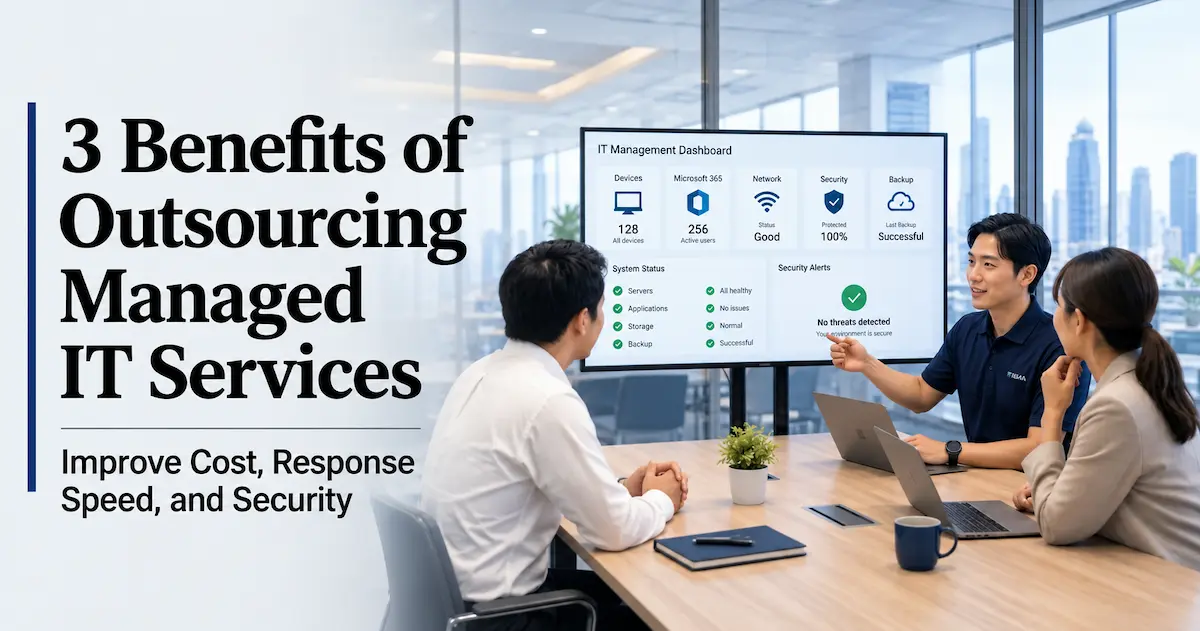
Is Your Team Handling All Your IT In-House?
A computer won’t start. The network is slow. Someone needs a new Microsoft 365 account set up. These day-to-day IT requests keep coming, even though your company isn’t quite big enough to justify a full-time IT hire. At many small and mid-sized US businesses, it’s common for someone in accounting or admin to handle IT on the side, on top of their regular job. This article looks at outsourcing that day-to-day IT work to managed IT services, examined through three lenses: cost, response speed, and security.
What Are Managed IT Services? Handing Off Day-to-Day IT Operations
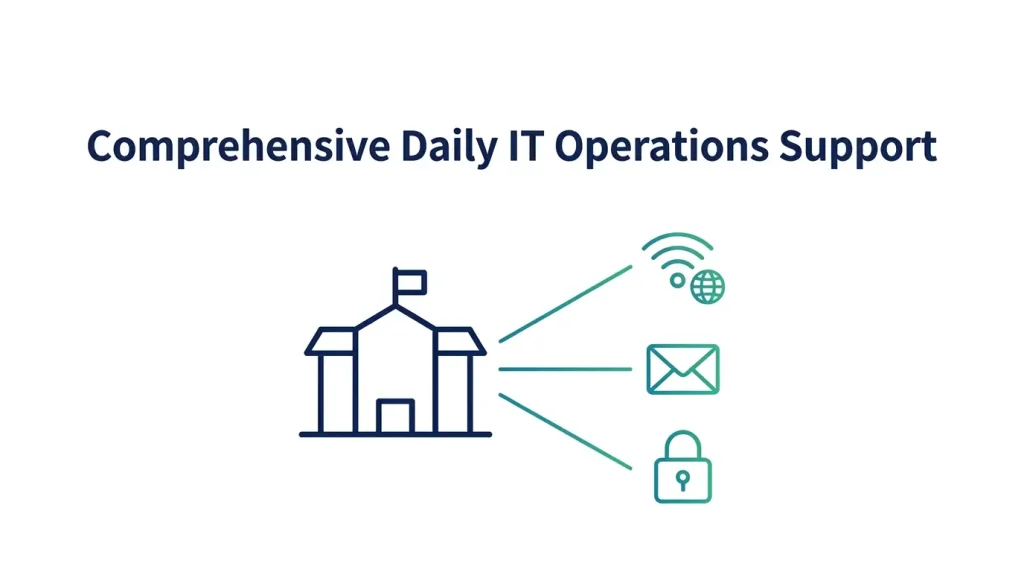
Managed IT services are an arrangement where an outside specialist firm takes on the day-to-day operation and maintenance of your computers, network, Microsoft 365, and more, typically under an annual contract. Rather than reaching out only when something breaks, it covers everything on an ongoing basis — routine questions, adding or removing accounts, setting up new devices, and reviewing your security posture.
Being able to get help right when you need it, without hiring a dedicated staff member, is the core value this brings to smaller teams.
Benefit 1: Optimize Costs — Pay for What You Need, Without the Fixed Overhead
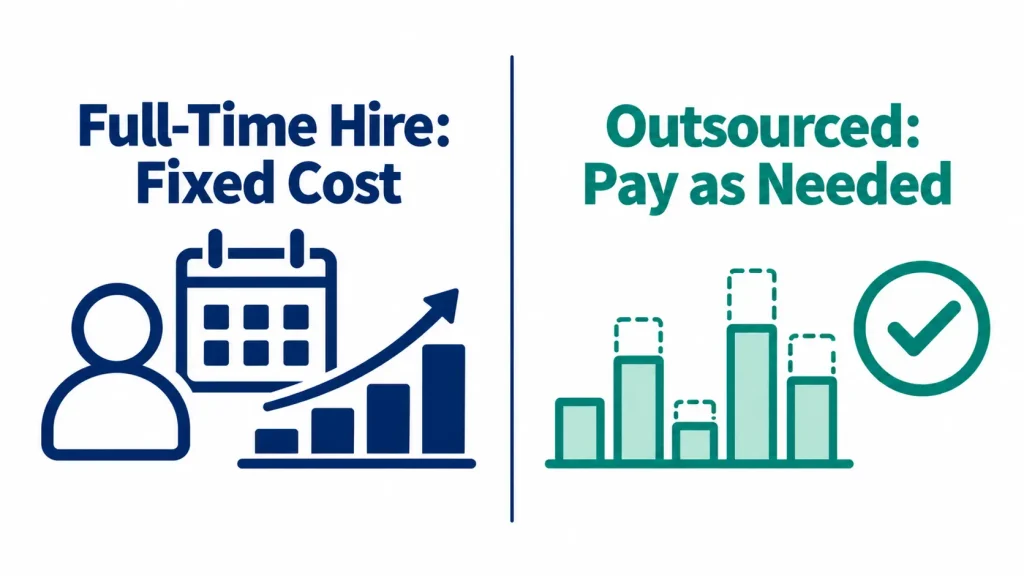
Hiring a full-time IT person costs more than just their salary. Benefits, the time spent recruiting, and the ongoing training needed to keep up with changing technology all add up as fixed costs. And there’s no guarantee that person’s day-to-day workload will actually match what you’re paying for.
Managed IT services let you pay only for what you need. We offer both a flat monthly plan for ongoing, steady support, and a prepaid annual plan that reserves a set number of hours in advance — so you can choose what fits how your business operates.
Key Benefits of Managed IT Services:
- No time or cost spent on hiring and training
- Easily scale up support during a new location launch, a system migration, or other busy periods
- Avoid the risk of losing all your operational know-how overnight when a staff member leaves or changes roles
That third point is often overlooked, but it matters a lot in practice. We once worked with a company where an IT-savvy employee had been handling things part-time. After that person left, computer names and passwords were still managed individually per user, and there was no network diagram or device inventory anywhere. When you outsource to an outside provider, that documentation and history of past work stays with your organization as a deliverable of the service.
Benefit 2: Get Help Right When You Need It — No More “Who Do I Even Ask?”
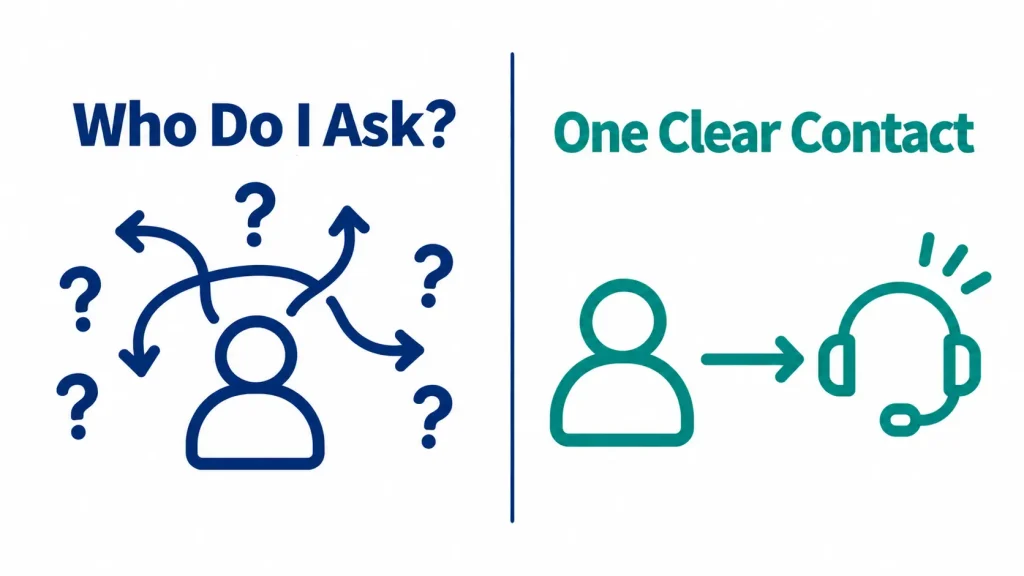
When something goes wrong, the biggest time sink usually isn’t the fix itself — it’s not knowing who to ask. A clear point of contact means you can reach out the moment you notice a problem, so you can respond faster.
For companies with operations in the US, time zones add another layer to this. We’ve seen cases where a company’s only IT staff were based in a different time zone at headquarters, and local staff ended up dealing with US-side issues on their own simply because of the time difference. Having a contact listed on an org chart is one thing — being able to reach someone during the hours you actually need them is another.
Key Benefits of Managed IT Services
- One point of contact for everyday questions about computers, networking, Microsoft 365, and more
- Faster initial response before an issue disrupts operations, keeping the impact to a minimum
- Support even with putting together the materials needed to explain a local issue to headquarters
Benefit 3: Get Security Expertise — What You Need After an Incident
Cyberattack tactics change constantly, and defenses need to be updated at the same pace. Keeping that expertise current is a heavy lift for someone juggling IT as a side responsibility.
In one case, a customer hadn’t set up multi-factor authentication (MFA), and an email account was compromised through a stolen ID and password. The work involved wasn’t just recovery — it also included ongoing questions like, “Do we need to report an incident like this to any regulatory body?” The legal call itself falls to the customer’s legal team, but pulling together the logs and facts needed to make that call is something only the team managing day-to-day operations can do.
Another case is telling too. When a different customer tried to investigate a breach, their firewall logs were scattered, leaving them with only limited data to work from. What you can do on the day of an incident is really determined by how well you prepared beforehand: whether logs are being captured and retained, whether backups can actually be restored, and whether MFA is turned on. Continuously handling this unglamorous groundwork is exactly where outsourcing adds value.
This also covers reviewing your security settings based on zero trust principles, as well as responding to audit or verification requests from headquarters.
Points to Consider When Choosing a Provider
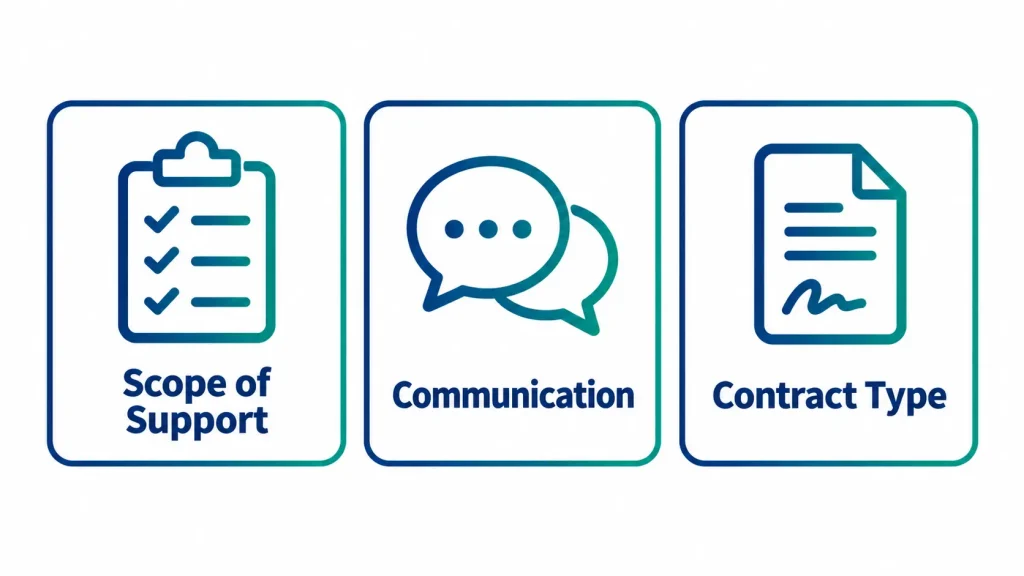
When you start evaluating options, these three points make the decision easier:
- Does the scope of support match your needs? Confirm upfront whether computers, networking, Microsoft 365, and security are all included, so there’s no mismatch in expectations after signing.
- How easy is it to communicate with the provider? For companies that operate across multiple locations or need support in more than one language, how well a provider can handle both makes a real difference in how much falls on your own staff.
- Does the contract structure fit how you operate? A flat monthly plan suits some companies, while a prepaid annual-hours plan suits others. Start by getting a clear picture of how often — and what kind of — requests are already coming up at your company.
How JBS USA Can Help
JBS USA was founded in 1997 in Torrance, California, and provides managed IT services on an ongoing basis. With nearly 30 years supporting businesses across North America, our bilingual (Japanese-English) engineers handle both local operations and coordination with an overseas headquarters when needed. For companies without a dedicated IT person, we take on everything from assessing your current environment to day-to-day support and initial security response. You can read what our managed IT support customers have to say in our case studies.
Summary
You don’t need to hire a full-time IT person to cover cost, response speed, and security all at once — managed IT services can do that. Relying on a part-time staff member carries more than just a workload burden: if that person is out sick or leaves the company, there may be no one else who can step in, and if an incident happens on the wrong day, your core business can grind to a halt. Even just taking stock of where things stand today can surface risks you didn’t know you had. If you’d like to get a clearer picture of your current IT setup, or want a recommendation for managed IT services that fit your business, reach out to JBS USA, which handles roughly 600 IT-related engagements a year. We offer a free initial consultation and will recommend managed IT services suited to your environment and challenges.
Frequently Asked Questions (FAQ)
Q. What do managed IT services typically cost?
A. It varies depending on the scope of support and hours covered. An annual contract that secures a set number of support hours is common. We offer both a flat monthly plan and a prepaid annual plan, and we make a recommendation after learning about your current situation.
Q. Can small companies use this too?
A. Yes — in fact, managed IT services are especially well suited to companies that aren’t quite large enough to justify a full-time IT hire. You can contract for only the scope you need.
Q. Can we use this even if we already have IT staff?
A. Yes. It’s common to outsource just the high-workload tasks or the areas that require specialized expertise, while your internal staff handle day-to-day operations and keep records. In practice, having an outside partner manage routine operations and documentation while your team focuses on business decisions works well.
Q. Do you offer support in Japanese?
A. Yes. JBS USA offers bilingual support in Japanese and English, allowing for smooth communication with both local staff and an overseas headquarters.
Q. How soon after signing does support begin?
A. After we understand your current situation and finalize the contract, support typically begins within a few weeks.

[Author Bio]
Takumi Hata (Sales Division)
He has extensive experience in IT solution sales, service planning, and application development and operations. Through business expansion initiatives for local governments and customer support, he has been responsible for developing sales strategies and managing projects from planning through execution.